
Инновационные решения
для умных городов
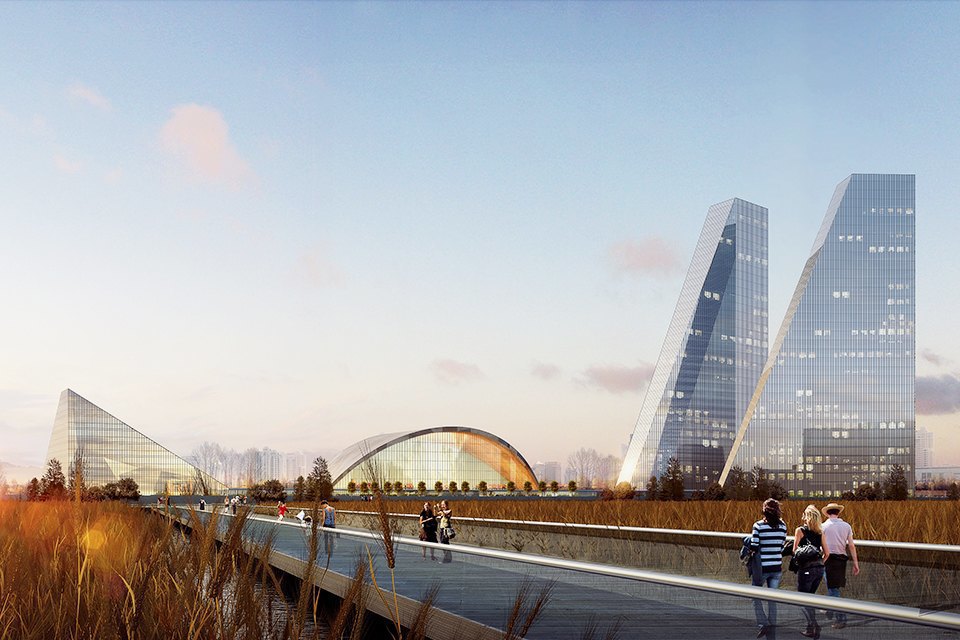
Мы создаем и реализуем инновационные решения для умных городов — многофункциональные высоконагруженные it-платформы, позволяющие интеллектуально управлять транспортными системами, коммуницировать с горожанами всеми популярными и доступными способами, управлять бытовой сферой и инструментами ЖКХ и прочими элементами цифровых мегаполисов
Everything you need
Компания в цифрах
30k
Happy customers
100
Projects completed
33
Design awards
10m
Cups of coffee
Everything you need
Преимущества платформы
Минимальные вложения
Расширяйте свой бизнес без значительных расходов на оборудование
Доступ с любого устройства
Управляйте вашим бизнесом с любого устройства: компьютера, планшета, смартфона
Масштабирование бизнеса
Благодаря гибкому API Вы можете легко и эффективно расширить свой бизнес в любое время
API для бесшовных сторонних интеграций
Вы можете легко и быстро провести интеграцию с любым программным и аппаратным обеспечением
Стабильная работа
Мы стараемся обеспечить надежность платформы 24/7/365
Простое обновление
Облачное решение позволяет автоматически производить обновление системы без каких-либо действий с вашей стороны
Everything you need
Проекты компании
Block Patterns
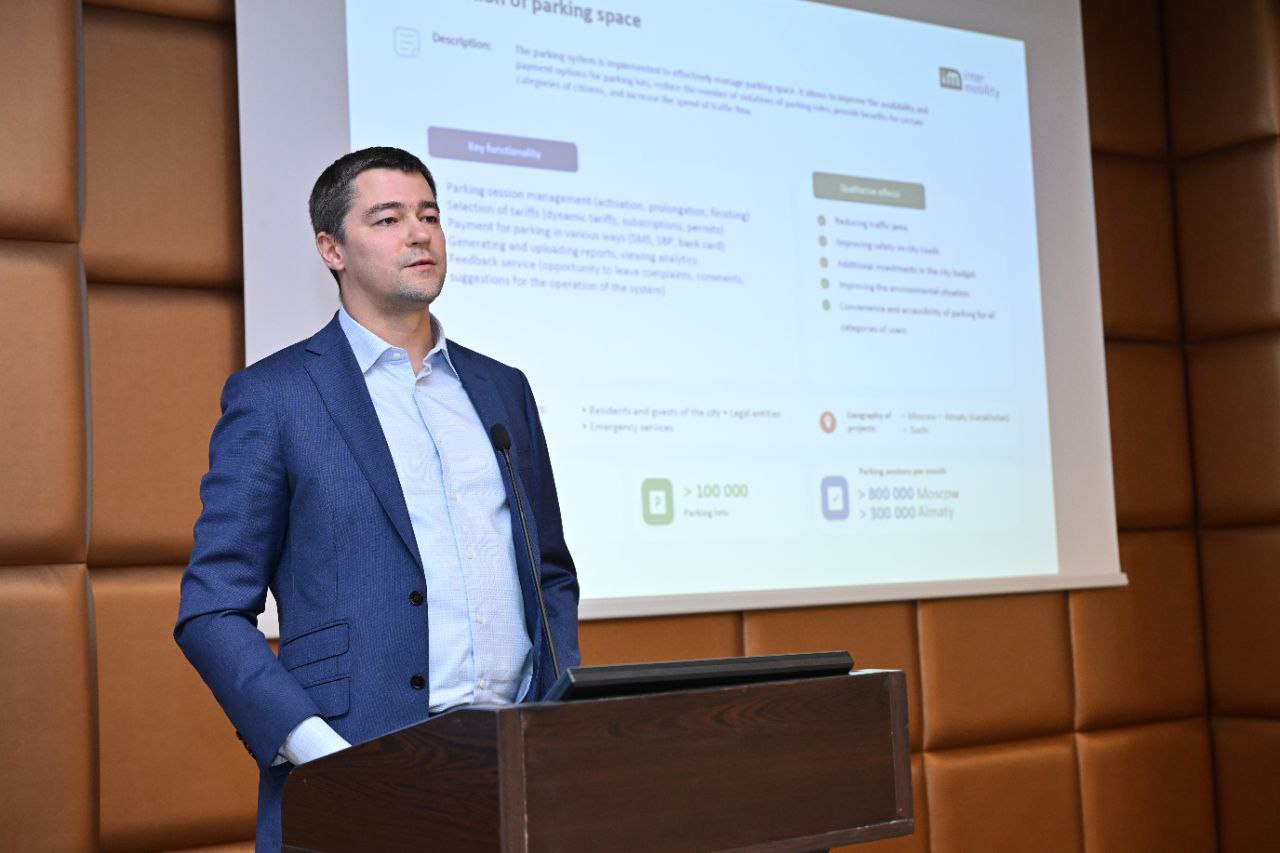
Интеллектуальные транспортные системы
Новые решения для городского транспорта, позволяющие снизить уровень негативного воздействия на окружающую среду и уменьшить нагрузку на транспортную систему.

Global Styles
Инновационные решения для коммуникаций с гражданами
Решение для управления работой города, информирования граждан и городских служб.
Dark mode
Умный город
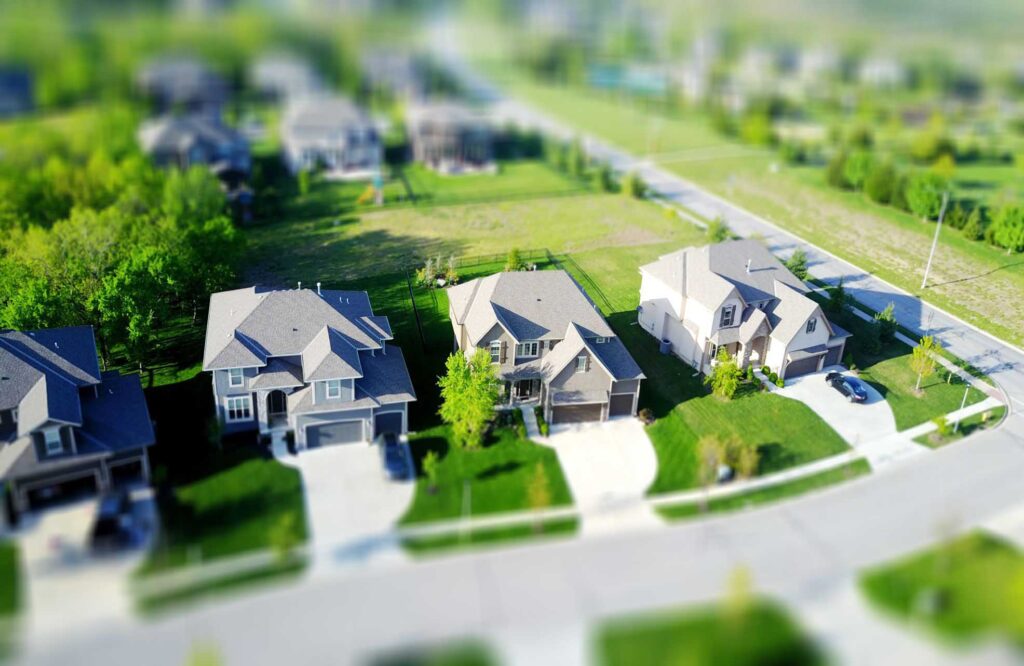
Создание единой системы для автоматизации работы ЖКХ.
Everything you need
Стек технологий
Последние новости


FAQs
Часто задаваемые вопросы
How do I add custom SVG images?
Custom SVG images can be added to your site in multiple ways. The first option is to use the core Image block, however this requires the use of the Safe SVG plugin since WordPress doesn’t allow SVG uploads by default. There is also an SVG block variation provided with this theme which lets you simply paste SVG HTML code into an Image block. The third option is to use the Icon block variation. This displays an SVG icon which you can choose from a library of included icons, or upload your own.
How to change the site logo?
Head to the Site Editor and then navigate to the Header Template Part. From there, click on the existing logo and then replace it with a block of your choice. You can use an Image block, SVG, Site Logo or Site Title block as the site logo, the choice is yours. We prefer to use SVGs for logos because they scale perfectly at all screen sizes and also support variable colors which makes them ideal for use with dark mode and animations.
Does this theme require any plugins?
No, there are no plugins required by this theme. Everything you need to design an amazing website is provided by the framework.
How can I add animations to blocks?
Most core blocks have animation supported added. You can add and change transition effects without needing any code.
What version of PHP do I need?
PHP 7.4 or higher is required however we recommend using a later version PHP 8.2 or above.
How do I create an FAQ accordion?
There are 2 ways to add an accordion to your site with our theme. First, you can use an existing accordion from any of the included block patters. Secondly you can create your own from scratch using the core List block. Since the accordion uses a core block variation instead of a custom block, your content will not be lost if you ever decide to switch themes.
How can I display blog posts on the home page?
This theme comes with multiple blog patterns that can be used to display posts on any page. Simply add a blog pattern to your home page template, or the page that is set as the Front Page. You can customize the Query Loop to suit your needs.
How can I save user dark mode preferences?
No, there are no plugins required by this theme. Everything you need to design an amazing website is provided by the framework.
How to keep user dark mode setting?
Cookies can be used to store user dark mode settings when clicking the toggle switch
How do I create a child theme?
We recommend using the create block theme plugin to create your own child themes. With a little know-how, they can be the perfect way to build your own website. They inherit all of the parent theme’s design which saves you a tonne of work and provides a head start for your next project.
Не нашли ответ на свой вопрос? Свяжитесь с нами →
Контакты
Адрес
Submit a support ticket we’ll get back to you in no time.
г. Москва, ул. Правды, д.8, корп. 13, пом. 2А